What is a VPN?

A VPN is a technology that creates a secure connection between your device and the internet.

It helps send data through an encrypted channel, improving privacy when you connect to a network.

How does a
VPN server work?

Once you connect to a VPN, your internet traffic passes through a secure server. In simple terms, the process has 4 steps

  1. You connect to a VPN on your phone, computer or another device

  2. A secure channel is created to transmit data.

  3. Internet requests pass through the VPN server

  4. Responses return to your device through the same secure channel.

Your anonymity

Why use a VPN?

Whether you are travelling or simply want to browse with greater peace of mind, a VPN gives you additional security online.

Protection on public networks

When you connect to Wi-Fi in a café, airport, hotel, university or coworking space, you use a network shared by many people at the same time

A VPN creates an additional secure channel between your device and the VPN server. This helps reduce the risk of data interception when using email, online shops, cloud services and other websites

A VPN is particularly useful when sending important information over unfamiliar or open networks
Connection privacy

A VPN hides your device's original IP address from the websites you visit and replaces it with the VPN server's address

This helps reduce the technical information third-party services can access about your connection, such as the network you use to go online or your approximate location

A VPN does not provide absolute anonymity. Websites can still receive information you choose to share, for example when you sign in to an account or fill in a form

Safer working

A VPN is convenient for remote work and for connecting to corporate systems, cloud platforms and internal company resources

The secure channel helps transmit work documents, business messages and other data more safely between an employee's device and the server

A VPN can also be useful for people who work from different locations and regularly access the internet through home or public networks

Connecting different devices

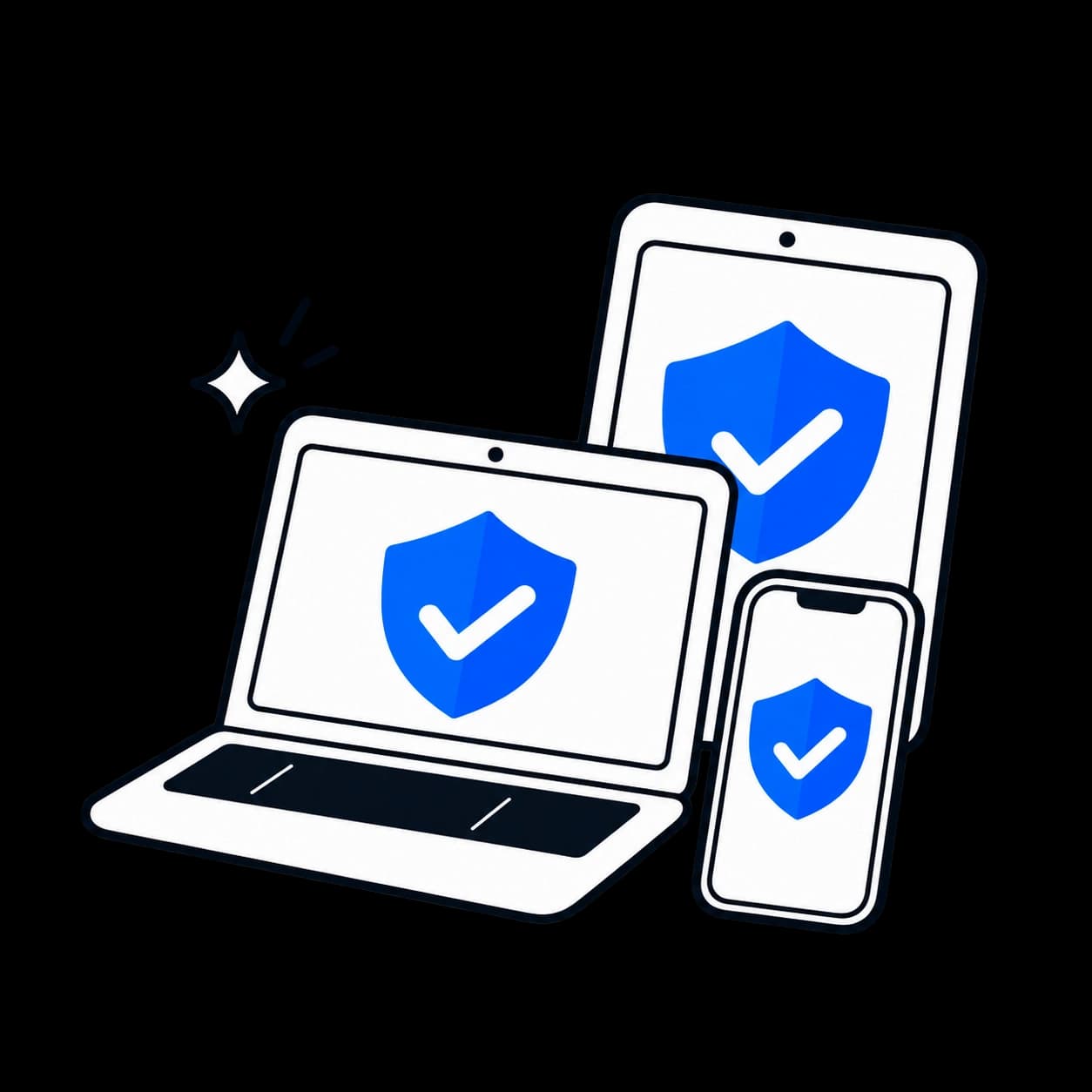
One VPN service can be used on several compatible devices: a smartphone, tablet, desktop computer or laptop

This lets you take a consistent approach to connection security at home, at work and while travelling. For example, you can use a VPN on your computer for work and then use the same account on your smartphone when connecting to a public network

The number of available devices and simultaneous connections depends on the terms of your chosen plan

An extra layer of protection for personal data

A VPN encrypts data between your device and the VPN server

This is especially relevant when using unfamiliar networks, travelling frequently or working with several devices

However, a VPN is only one part of digital security. For broader protection, it is also important to use unique passwords and two-factor authentication, keep apps updated and avoid opening suspicious links and files

Get SpireVPN
for a year at 50% off